XBASE Technologies Blog

How to secure your data using File History in Windows 10

Whether you use a Windows 10 laptop or desktop for work or personal use, you’ll realize that it can quickly accumulate a large amount of data. Hardware failure, cyberattacks, and natural disasters can put this data at risk of being lost forever. Backing up your data regularly is the best way to prevent data loss, and here’s how you can do it.

3 Types of hackers: What you need to know

While there are many similarities among hackers, there are also some key differences among them. Some hackers want money for themselves and resort to evildoings, while others just want to make the world a better place. In this blog post, we will discuss the three main types of hackers and what you need to know about them.

Cybersecurity roundup: The most notorious cybercrimes in the first half of 2022

The internet is a vast and ever-changing place, and as technology advances, so do the ways in which cybercriminals exploit it. In recent years, we have seen cybercrime grow consistently and exponentially, with experts predicting that it will become a 13.8 trillion CAD (10.5 trillion USD) industry by 2025.

That forecast is fast gaining ground as cybercrooks continue to be relentless in their pursuit to trick users, breach security, and steal or compromise data.

Data backup solutions your business needs

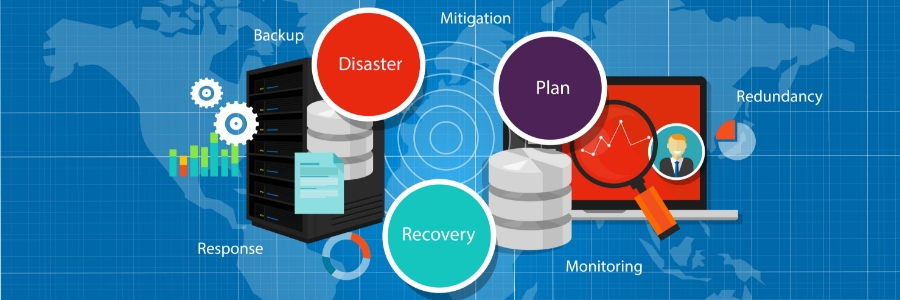
No one likes to think about losing data. But whether it’s due to cyberattacks, disgruntled employees, human error, equipment failure, or natural disasters, a data loss incident is always possible. The best way to avoid losing valuable customer and company information is to have a reliable backup solution.

How to tweak and maximize Windows 11 on your laptop

Windows 11 is available as a free upgrade for Windows 10 users, and many people — including laptop users — are taking advantage of this new operating system. If you're one of them, then you need to know how to properly tweak Windows 11 features on your laptop so you can make the most of Windows 11.
1. Set up how your device checks for updates
New laptops usually automatically check for updates, but you can also manually do this.

IT challenges can derail even the most well-planned AEC projects, whether due to downtime, security risks, or poor collaboration. Learn how managed IT services keep your systems efficient, secure, and project-ready.Get a FREE copy now!
+